WordPress has been around for over two decades, and people are still asking whether it’s worth using. It powers over 40% of the internet, yet the debates around WordPress SEO refuse to go away.
I’ve spent years working as an SEO consultant, and my honest take is that WordPress is still the best CMS for SEO when configured properly, but it’s not the right tool for everyone.
If you’re trying to decide between WordPress or Shopify, or just want to know what you’re getting into before you commit, this is the breakdown I wish existed when I started.
WordPress Advantages and Disadvantages at a Glance
| Advantages | Disadvantages |
| Free and open source under the GPL license | Not optimized for SEO on a default install |
| 64,000+ plugins cover almost every use case without custom development | Core Web Vitals performance requires intentional setup |
| Deep SEO control via plugins like Yoast SEO or Rank Math | Most targeted CMS globally. |
| Scales from a personal blog to a high-traffic enterprise site | All maintenance and updates and compatibility and backups fall on the site owner. |
| Gutenberg editor lets non-technical teams manage content independently | Plugin dependency creates risk |
| Low entry cost: Professional site can launch for under $200 a year | No built-in meta description control without a third-party plugin |
| Full data portability: Change hosts or developers without restrictions | Page builders add JavaScript and CSS load that hurts Core Web Vitals scores |
| Large global contributor community means fast security patching | Images are not auto-converted to modern formats like WebP or AVIF by default |
| Supports structured data and XML sitemaps and canonical tags with a plugin | Premium plugins and managed hosting and developer support add ongoing costs |
| WooCommerce makes it a full e-commerce platform with no migration needed | Steeper learning curve for non-technical users on setup and optimization |
A Brief History of WordPress and Why It Became So Dominant
In 2003, Matt Mullenweg and Mike Little forked an abandoned blogging platform called b2/cafelog and launched WordPress.
Within months, hundreds of commits were pouring in from a community that had barely existed half a year earlier.
The real turning point came in 2004, when Movable Type changed its licensing structure and started charging users, sending thousands of bloggers to WordPress almost overnight.
Custom post types, the REST API, and the Gutenberg block editor each pushed it further from its blogging roots into what it is today: a full CMS powering over 40% of every website on the internet.
The Pros of WordPress
Free and Open Source
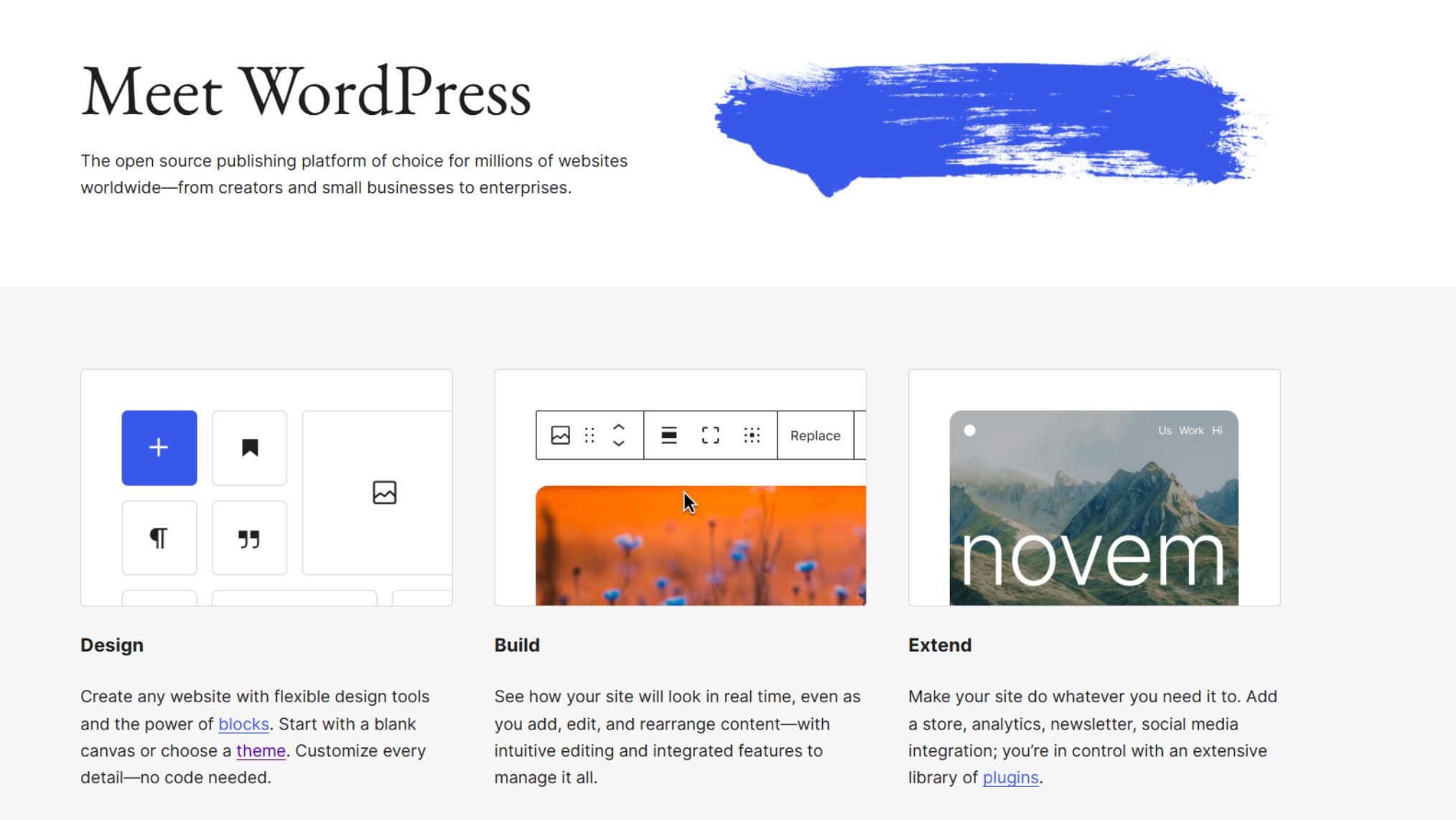
WordPress.org is completely free to download, use, and modify, which already puts it ahead of most alternatives on day one.
Being open source under the GPL license means you own your code outright, no vendor can hold your site hostage, and a global community of developers has almost certainly dealt with whatever problem you run into.
Security vulnerabilities get identified and patched by thousands of contributors worldwide, often faster than any single company’s internal team could manage.
Plugin and Theme Ecosystem
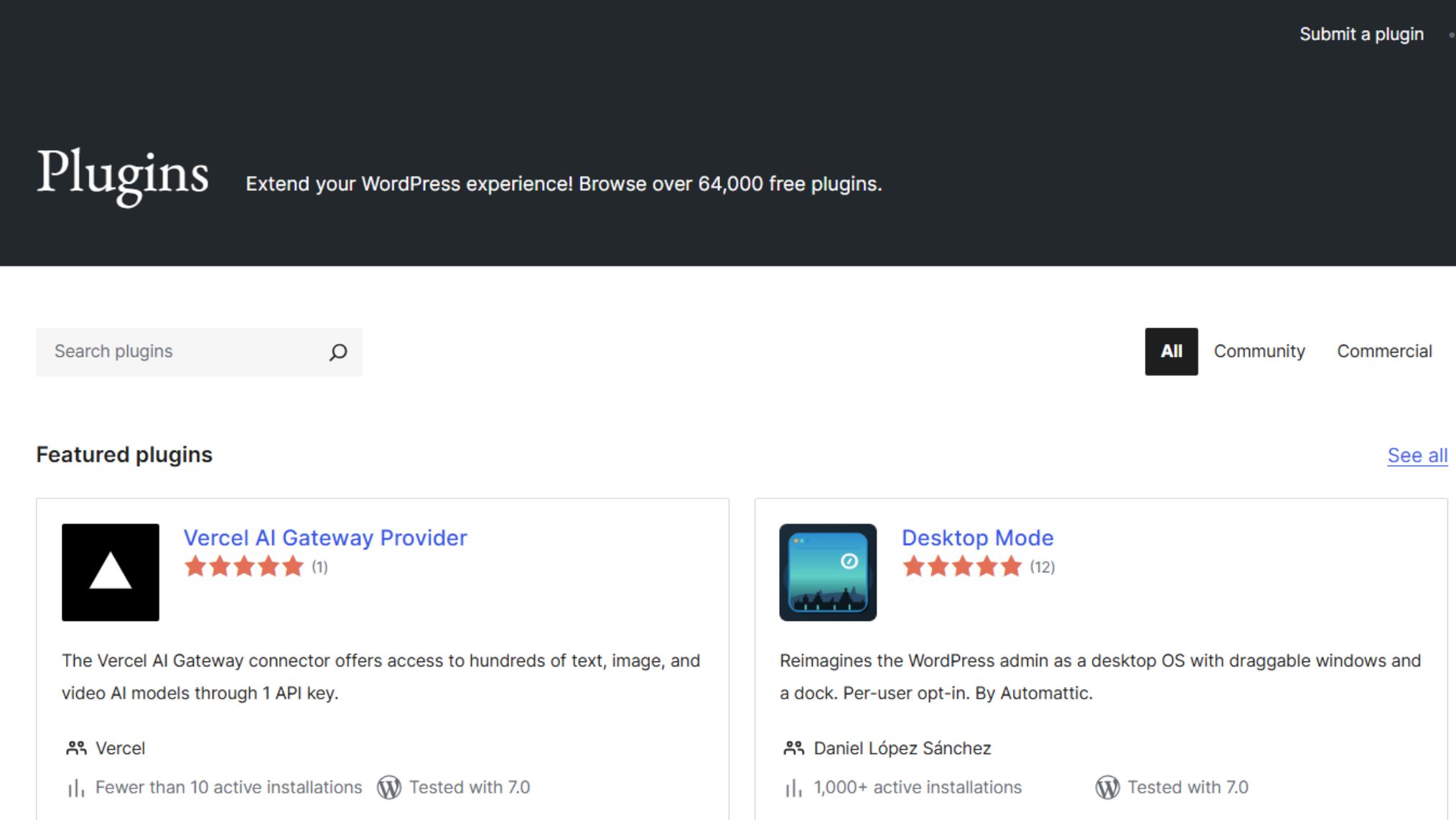
With over 64,000 plugins in the official repository, WordPress can be extended into almost anything.
Need a booking system, a membership portal, or a full e-commerce store? There is already a plugin for it, and likely several competing ones keeping quality high.
Modern page builders like Elementor and the native Gutenberg editor have also made it possible to build distinctive layouts without writing a line of PHP, which is a big reason WordPress has held its ground against newer alternatives.
SEO Capability
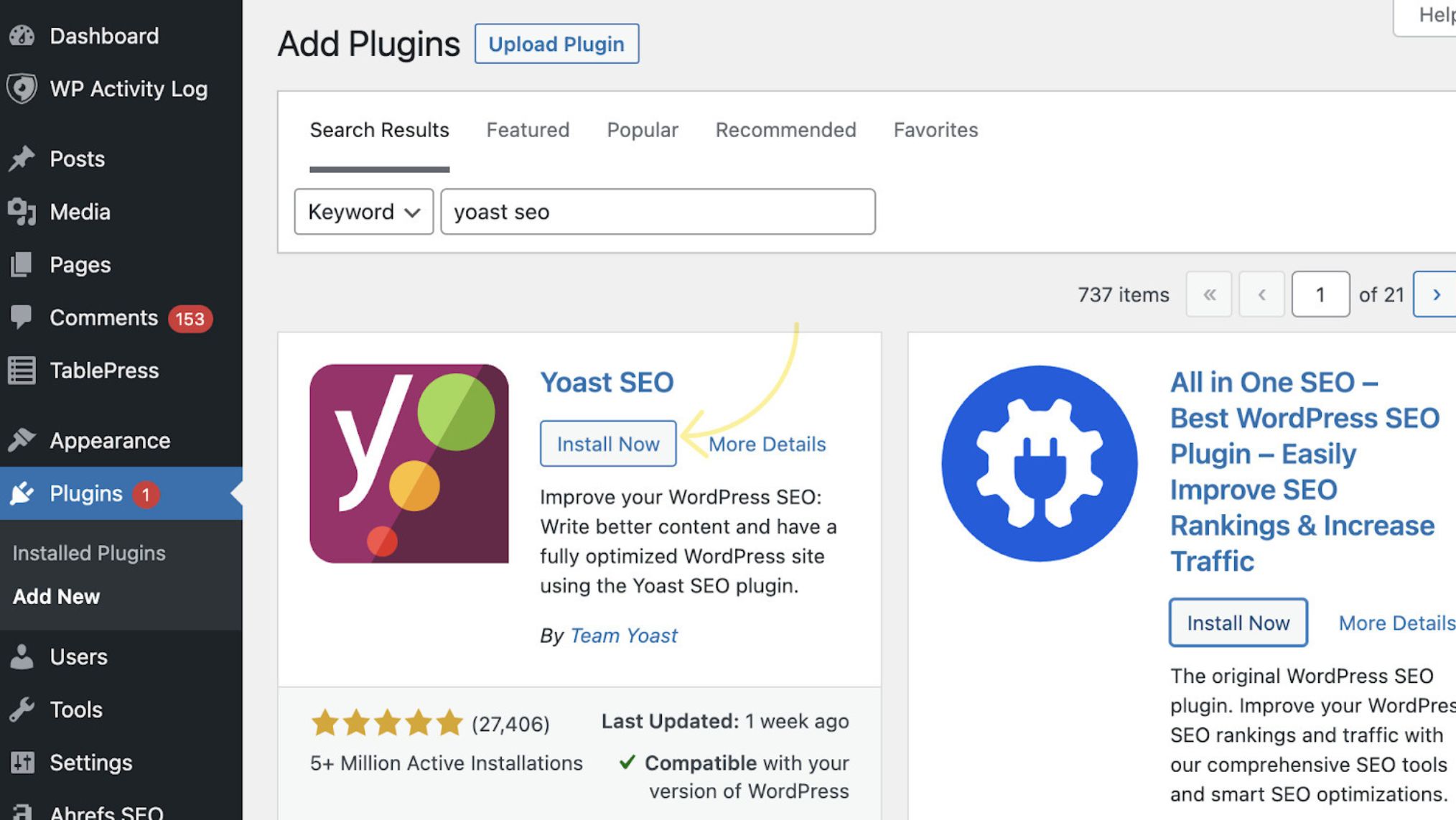
Source: Ahrefs
WordPress generates clean, semantic HTML that search engines parse without friction.
When paired with Yoast SEO or Rank Math, you get granular control over title tags, meta descriptions, canonical URLs, XML sitemaps, and structured data from a single dashboard.
No other CMS gives you that level of SEO control without requiring custom development.
Because it also makes it easy to publish consistently and organize content into logical hierarchies, it naturally supports the kind of topical authority that Google rewards over time.
Scalability
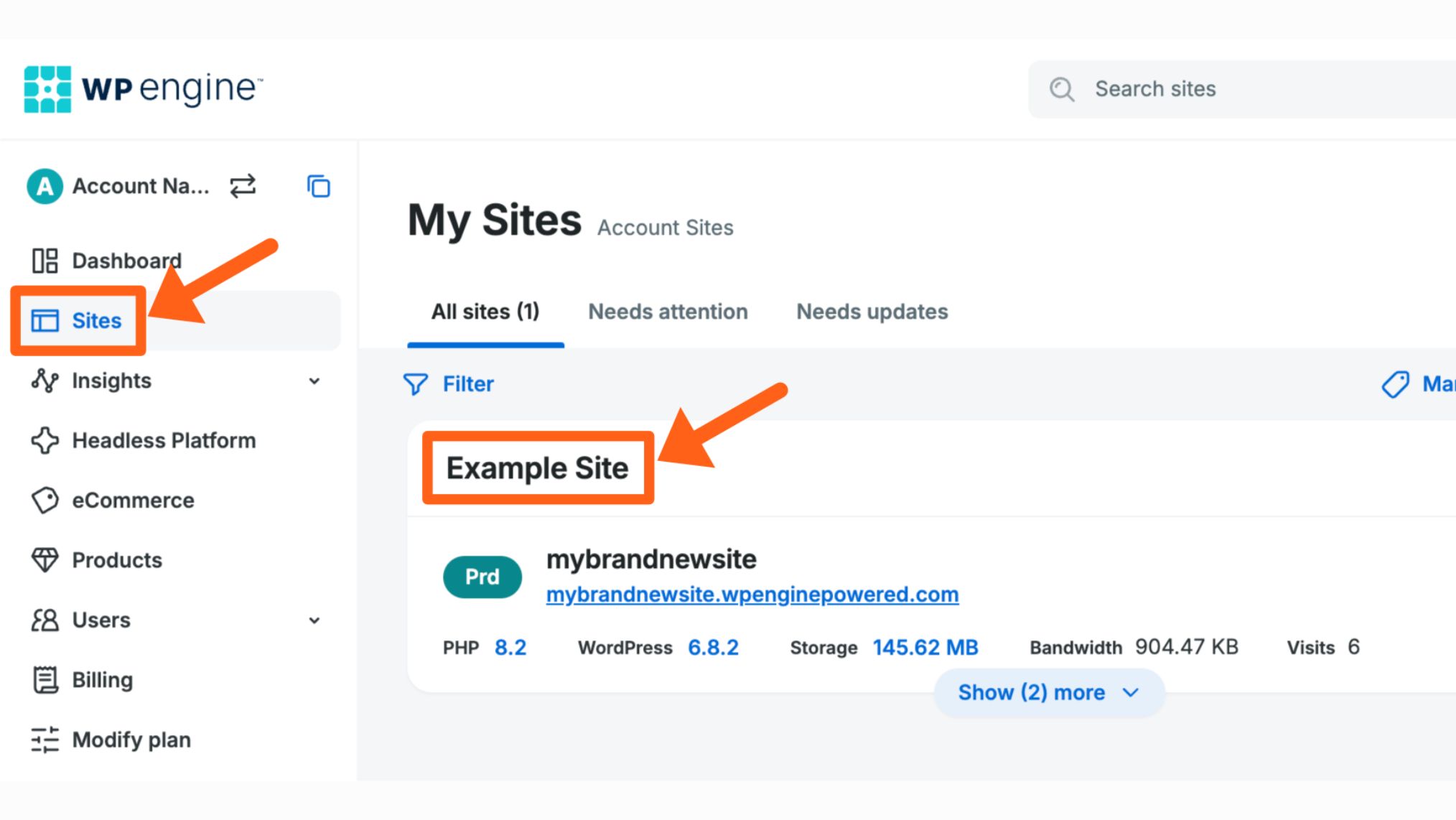
WordPress handles everything from personal blogs to high-traffic enterprise e-commerce stores on the same core software.
Pair it with managed hosting from Kinsta or WP Engine, add server-level caching and a CDN like Cloudflare, and the platform holds up under serious load.
You rarely need to migrate platforms as your business grows because you simply add functionality on top of what already exists.
Content Management
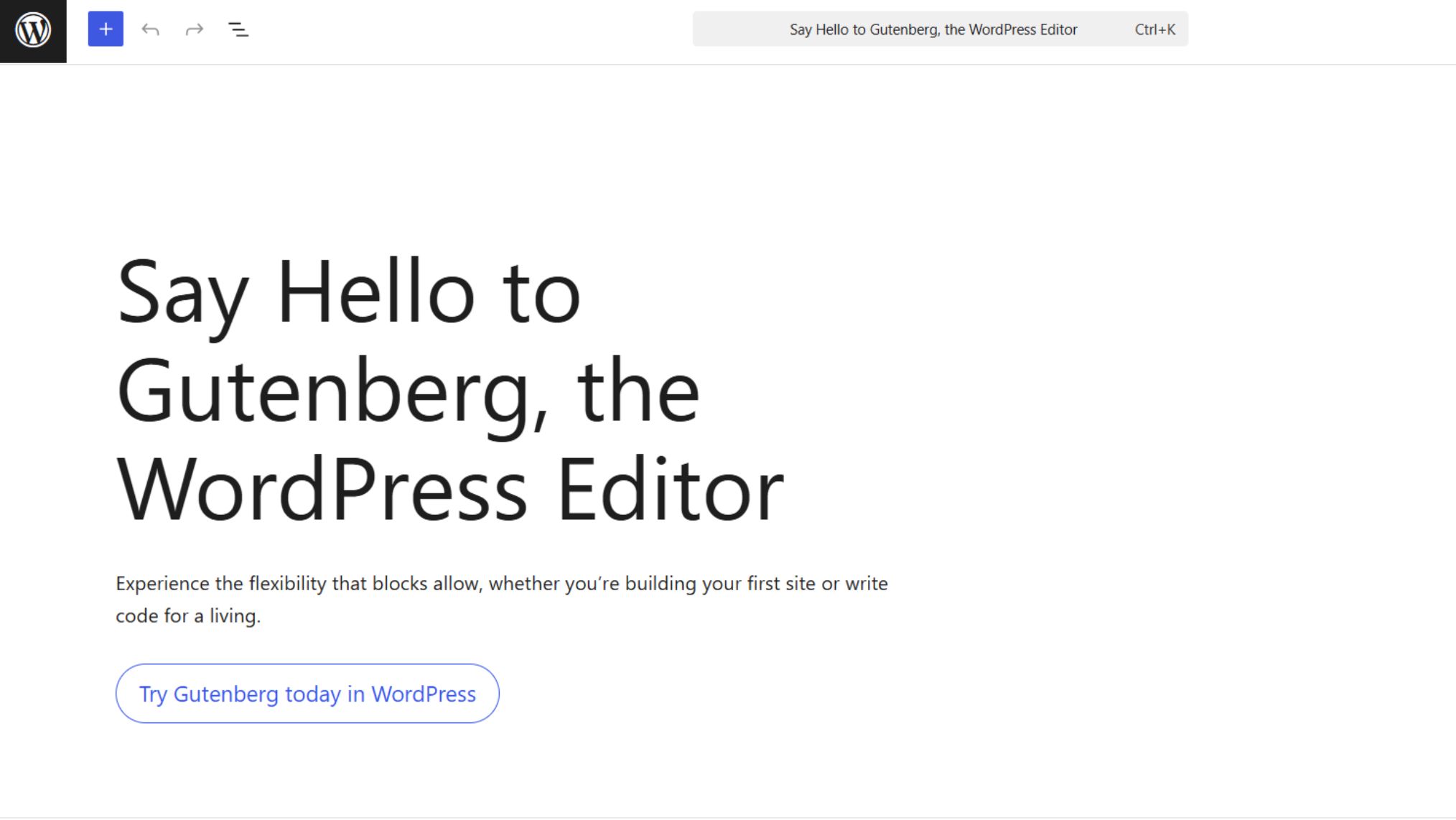
For teams publishing regularly, WordPress is one of the most practical CMSes to operate day-to-day.
The Gutenberg editor lets writers update pages without involving a developer, while custom post types and taxonomies make it easy to organize large content libraries in a way that reflects your actual architecture.
Also, revision history, scheduled publishing, multi-author support, and draft workflows are all built in by default.
Cost-Effectiveness
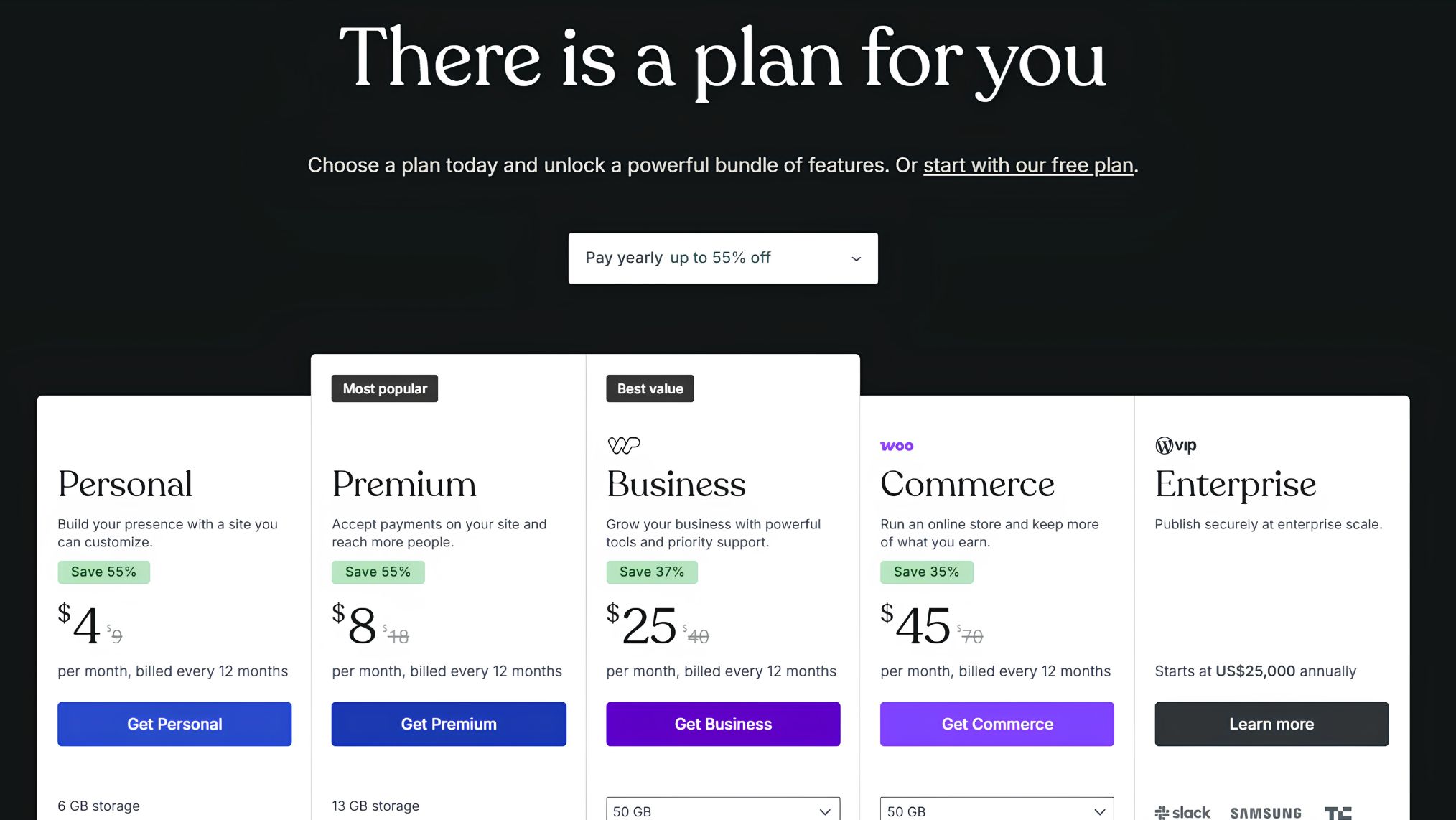
The core software is free, quality hosting starts at a few dollars per month, and a large portion of the plugin and theme ecosystem costs nothing, meaning a small business can launch a professional site for under $200 a year.
Even factoring in premium plugins or managed hosting, the total cost of ownership over three to five years typically undercuts proprietary platforms significantly.
The Cons of WordPress
Not Optimised for SEO Out of the Box
This one catches people off guard. WordPress has a strong technical foundation for SEO, but a fresh install does not come with the tools to use it.
Out of the box, WordPress has no built-in meta description field, no structured data support, and no on-page SEO guidance. You need a plugin like Yoast or Rank Math to get any of that.
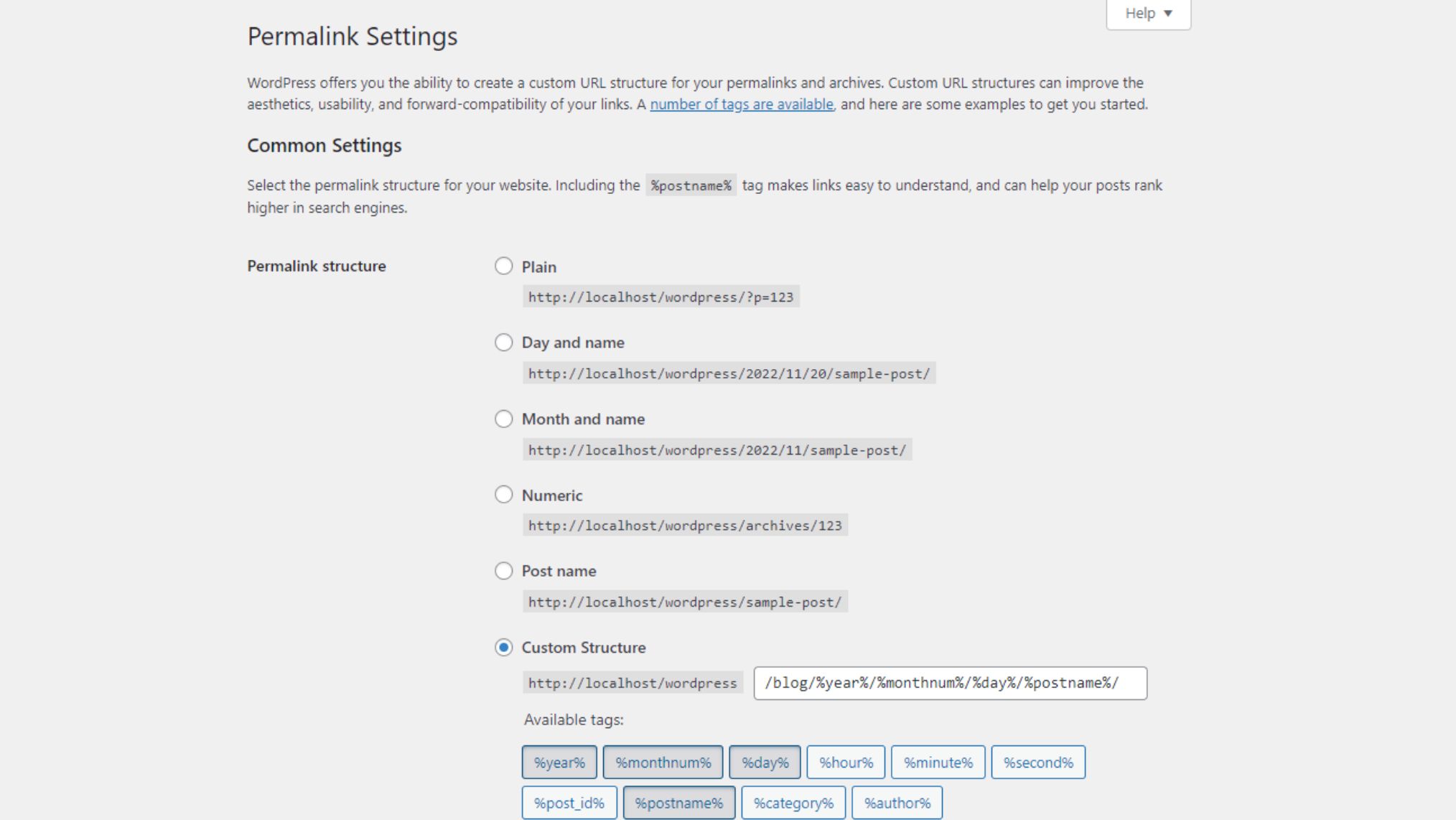
The default permalink structure ships as ?p=123, and tag or category archives can create duplicate content problems if left unchecked.
Performance Management
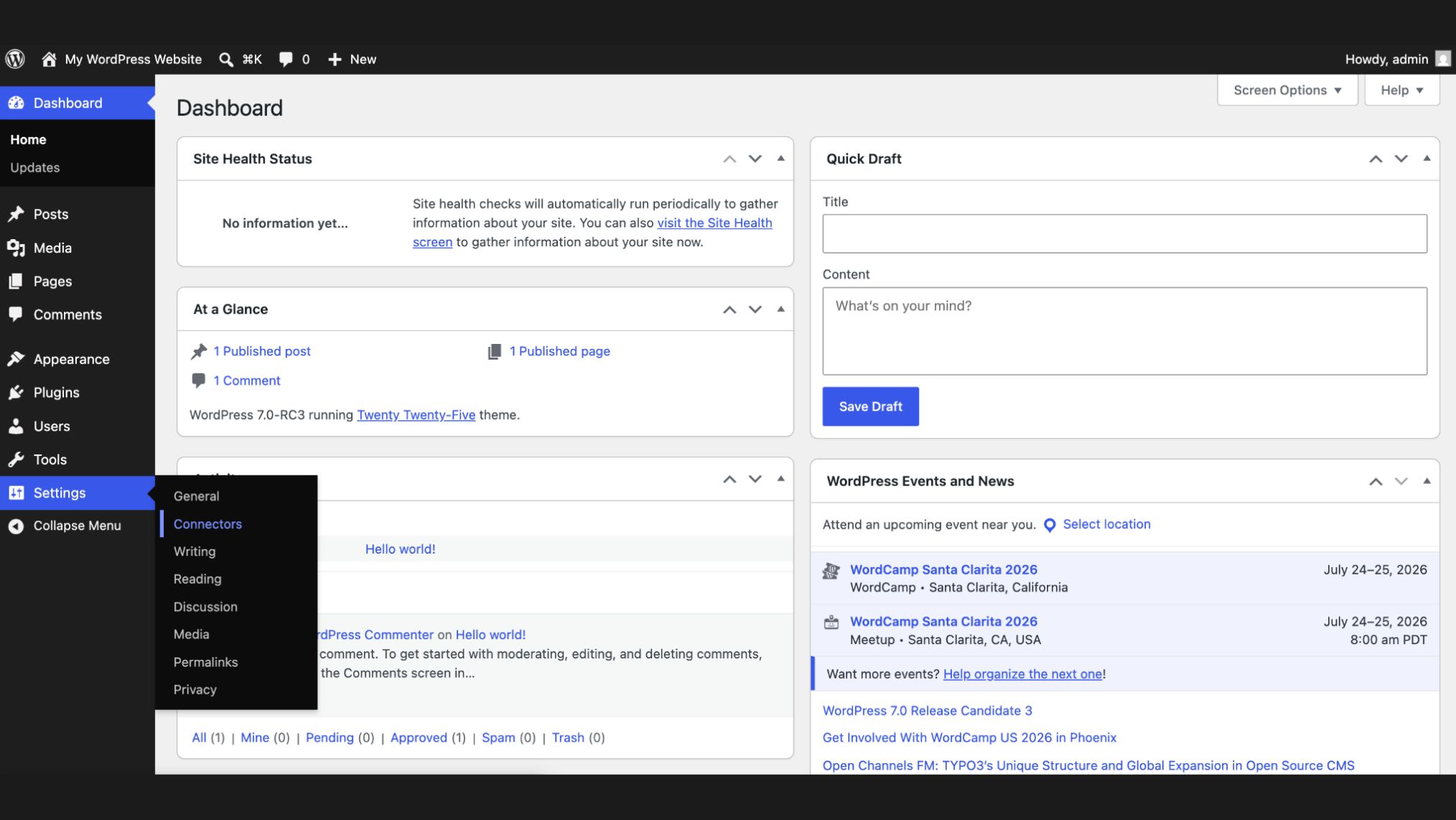
Every page request triggers database queries and PHP processing, and that load compounds with each plugin you add.
Getting a site to pass Core Web Vitals requires intentional decisions upfront: managed hosting with server-level caching, images in modern formats, a CDN, and a disciplined plugin stack.
None of this is complicated once you know what you are doing, but it does not happen on its own.
Security and Maintenance
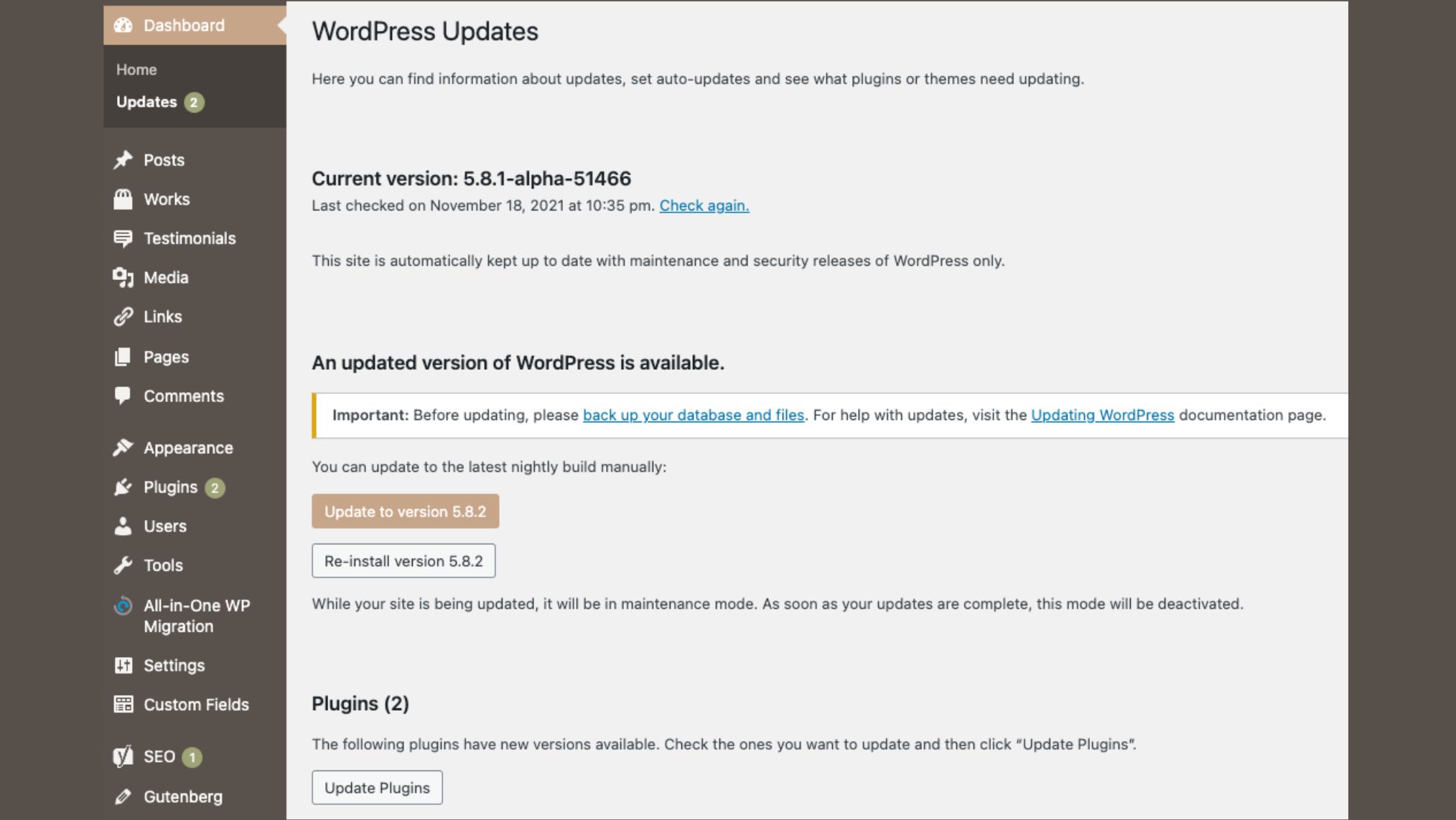
WordPress powers over 40% of the web, making it the most targeted CMS for automated attacks globally, and unlike hosted platforms, it puts the full maintenance responsibility on you.
Core updates, plugin updates, PHP compatibility checks, and plugin conflicts are all yours to handle.
For most businesses, the practical answer is either a managed host that automates updates or a developer retainer. Either way, it is an ongoing cost worth factoring in before you commit.
Plugin Dependency
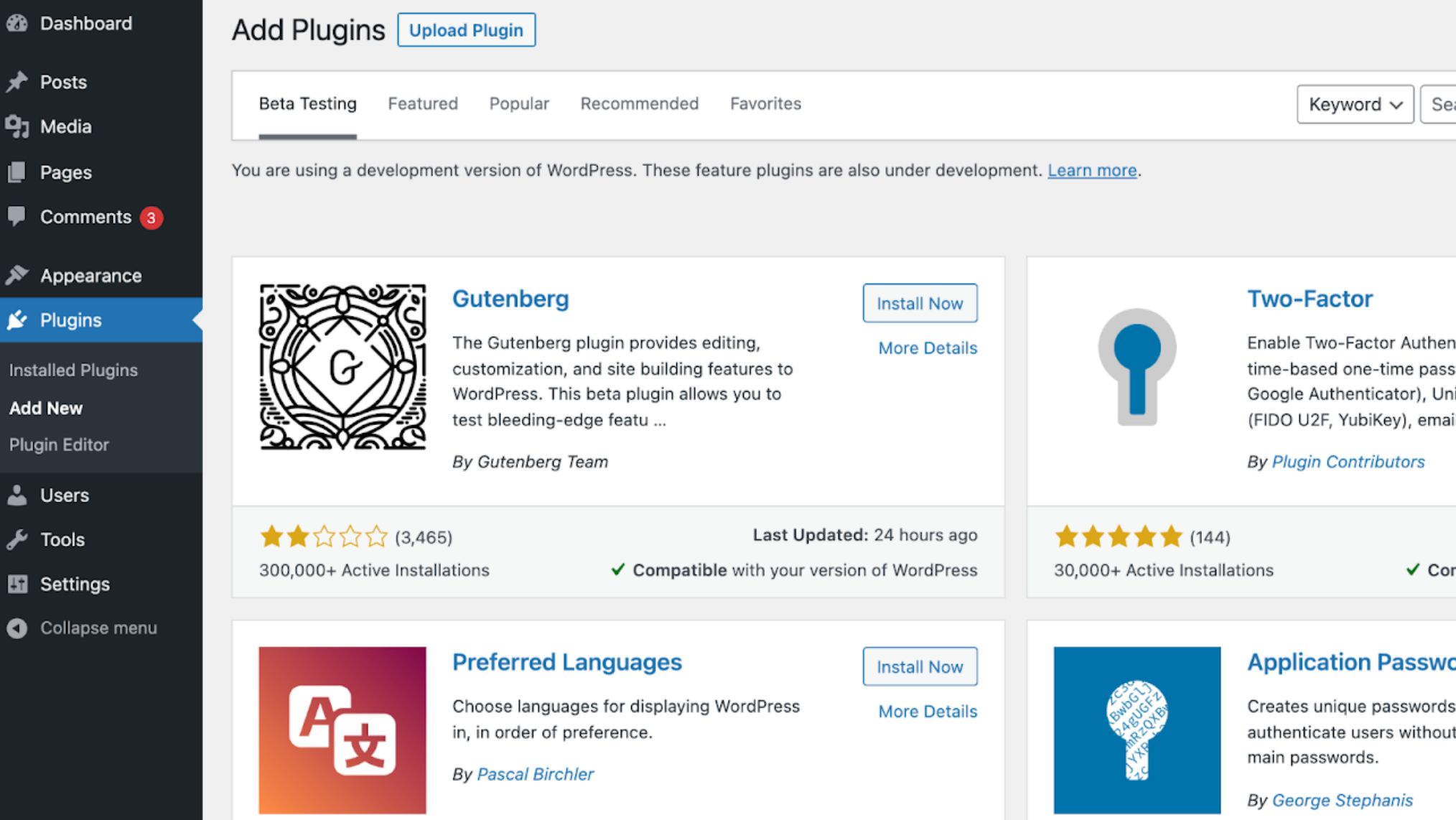
The same ecosystem that makes WordPress powerful is also one of its biggest operational risks.
Too many plugins slow your site down, poorly coded ones introduce vulnerabilities, and abandoned plugins become quiet liabilities.
A lean stack of ten solid plugins almost always outperforms a bloated install of thirty, even when the larger stack looks like it is doing more.
Is WordPress Good for SEO in 2026?
What WordPress Gets Right for Technical SEO
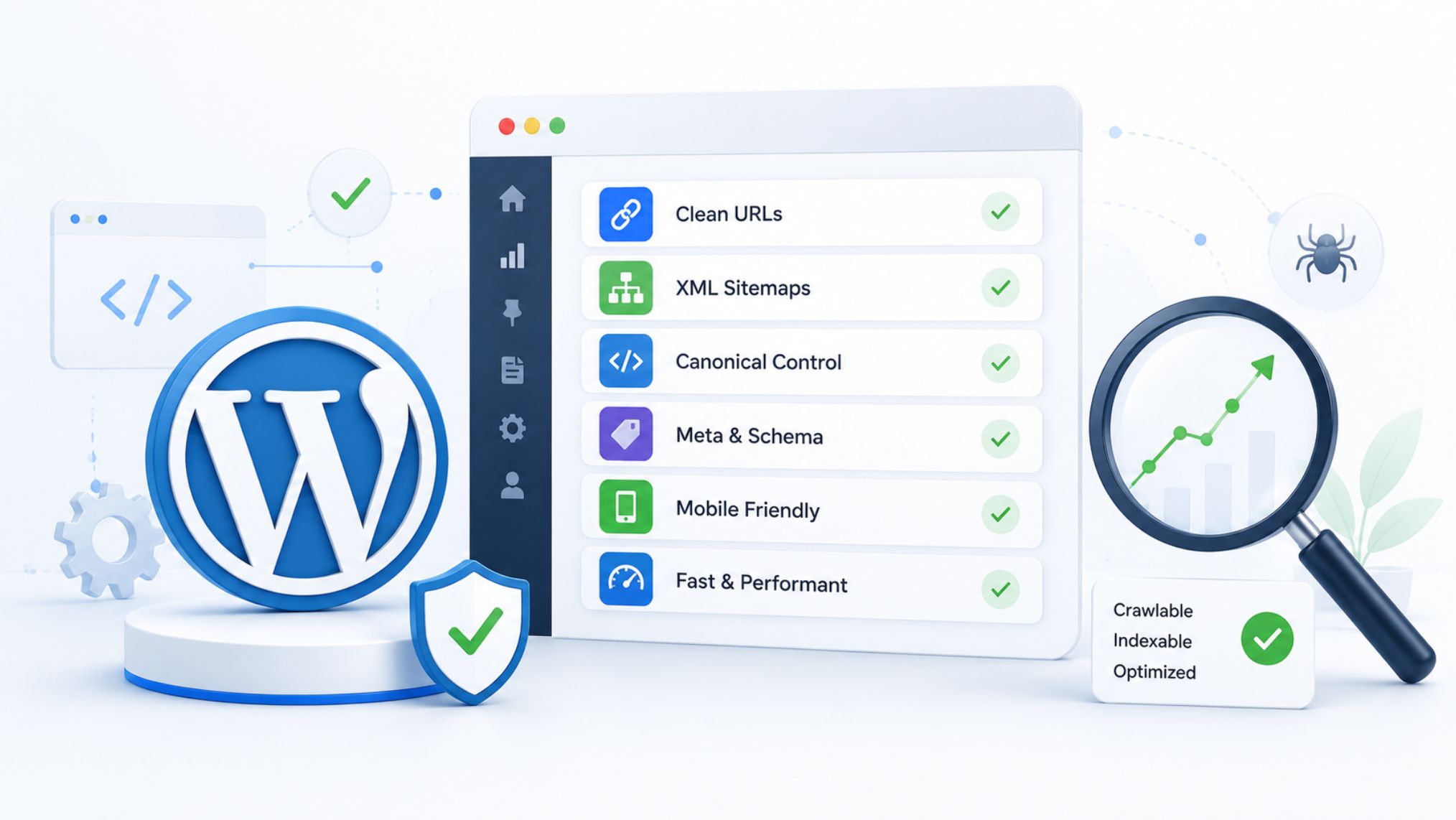
Clean URL Structure
WordPress lets you configure permalinks to produce clean, keyword-relevant URLs instead of the default ?p=123.
Setting this up correctly from day one is a quiet foundational decision that every other technical SEO effort builds on, and it takes about thirty seconds to change in your dashboard settings.
XML Sitemap Generation
With an SEO plugin installed, WordPress automatically generates and maintains an XML sitemap reflecting your current content structure.
For larger sites with deep content hierarchies, this ensures important pages get discovered and crawled rather than waiting for Google to find them organically.
Full Control Over Meta Data and Canonical Tags
Yoast SEO or Rank Math give you per-page control over title tags, meta descriptions, canonical URLs, open graph tags, and robots meta directives.
That level of granularity is something most hosted platforms simply do not offer, and in competitive niches, it makes a huge difference.
Structured Data Support
Schema markup matters more than ever as AI-powered search surfaces like Google’s AI Overviews pull structured content directly into their responses.
WordPress makes it straightforward to add Article, FAQ, LocalBusiness, and Product schema through plugins like Rank Math without hand-coding JSON-LD.
Mobile Responsiveness
Modern WordPress themes are responsive by default, which matters because Google’s mobile-first indexing evaluates your mobile version first.
Quality themes handle breakpoints cleanly, and page builders let you adjust mobile and tablet layouts independently without disrupting the desktop experience.
Where WordPress Falls Short on SEO
Bloated Default Themes
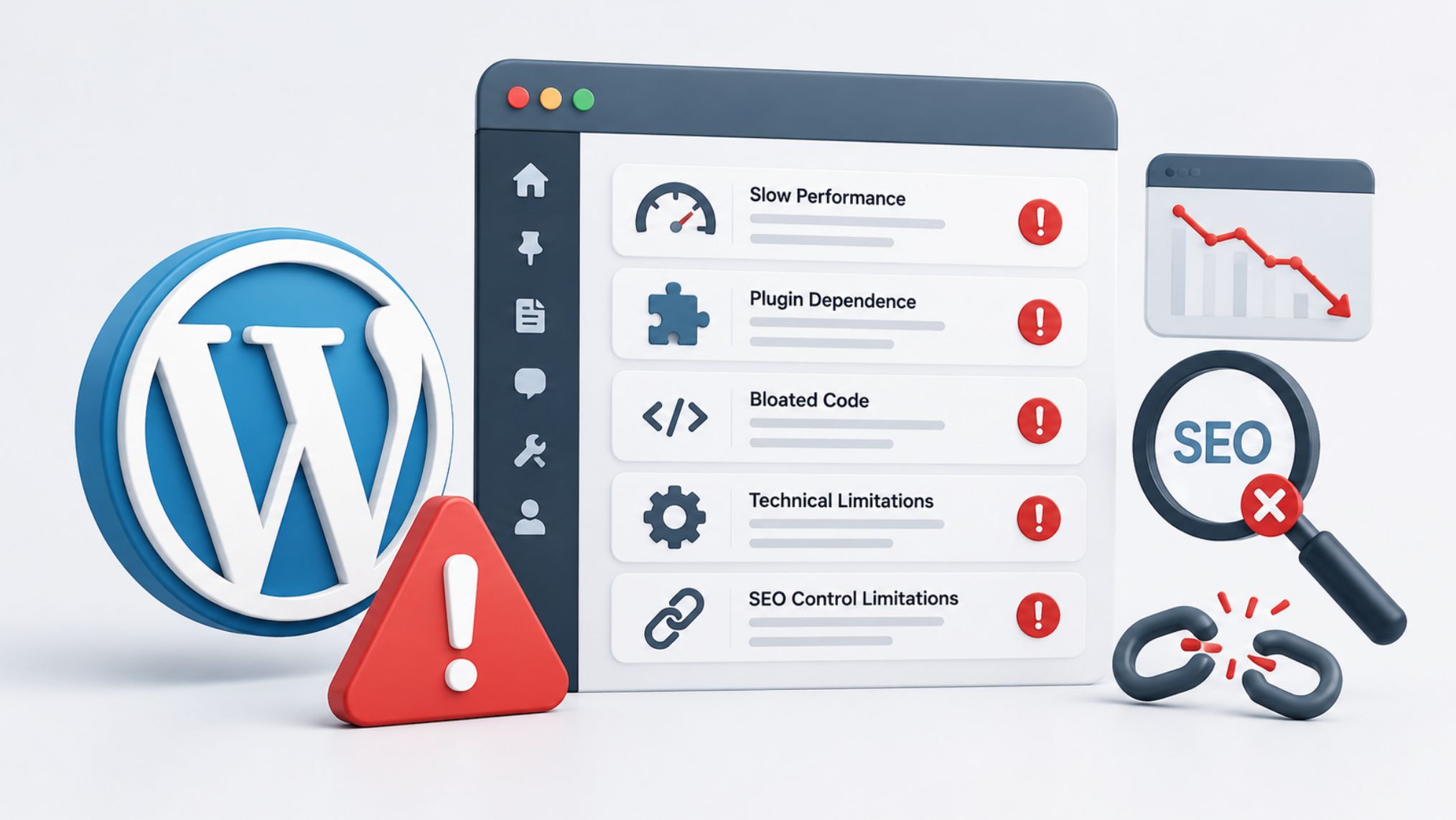
Many commercial themes ship loaded with animations, synchronously loaded Google Fonts, and CSS that loads on every page whether those features are in use or not.
I have watched sites drop from a Lighthouse score in the mid-80s to below 50 simply from activating a popular premium theme. Theme selection is a technical SEO decision as much as a visual one.
No Meta Description Control Without a Plugin
Without a plugin, WordPress auto-generates snippets from the first available content on the page. It works, but it rarely produces optimized copy, so closing this gap on day one matters more than most people realize.
Page Builders and Core Web Vitals
Page builders like Elementor and Divi load their CSS and JavaScript on every page regardless of whether those features are actually in use.
This creates Largest Contentful Paint delays and can push Interaction to Next Paint scores above Google’s acceptable thresholds. It’s fixable, but it requires deliberate effort.
Image Handling Out of the Box
WordPress does not automatically convert uploads to WebP or AVIF, does not lazy load all images by default, and does not consistently generate appropriately sized thumbnails for every template context.
For image-heavy sites, these gaps need to be addressed through plugins and hosting-level configuration.
WordPress vs Other CMS Platforms: An SEO Consultant’s Honest Take
| SEO Factor | WordPress | Webflow | Squarespace | Wix |
| URL Structure | Fully configurable permalinks; keyword-rich URLs set up in dashboard in seconds | Clean URLs generated by default; no configuration required | Clean URLs available but customization options are limited | Cleaner URLs now available after years of poor URL output |
| Meta Data Control | Per-page control over title tags, meta descriptions, OG tags, and robots directives via Yoast or Rank Math | Built-in meta title and description fields; less granular than WordPress with advanced plugins | Meta editing available but limited; advanced meta control requires higher-tier plans | Meta data management functional for basic needs; limited advanced control |
| Structured Data / Schema | Article, FAQ, LocalBusiness, and Product schema via Rank Math without hand-coding; critical for AI Overviews | Deep schema customization is constrained compared to WordPress | Custom schema is not straightforward on standard plans | Structured data support added in recent years but limited in scope |
| XML Sitemaps | Automatically generated and maintained by SEO plugin | Sitemaps generated automatically by the platform | Sitemaps generated automatically by the platform | Sitemaps generated automatically by the platform |
| Canonical Tags | Full per-page canonical control via SEO plugin | Canonical tags available but less granular than WordPress | Canonical tag control is limited | Canonical tag control is limited |
| Core Web Vitals / Performance | Requires intentional setup including managed hosting, CDN, image optimization, and a lean plugin stack | Good default performance without manual configuration due to AWS hosting and built-in CDN | Performance tied to shared infrastructure and is not configurable by the user | Performance tied to shared infrastructure with limited user control |
| Plugin / App Ecosystem for SEO | 59,000+ plugins including dedicated SEO tools like Yoast and Rank Math with deep functionality | App marketplace available but far fewer SEO-specific integrations than WordPress | Limited third-party integrations; SEO functionality mostly confined to built-in tools | App market available but SEO-specific depth is limited compared to WordPress |
| Mobile Responsiveness | Modern themes are responsive by default; page builders allow independent mobile and tablet layout control | Responsive design built in; visual editor allows precise breakpoint control | Responsive templates included across all plans | Responsive templates included across all plans |
| Content Structure for SEO | Custom post types, taxonomies, and logical content hierarchies support topical authority building | High-volume content publishing and deep content structuring are more constrained | Not built for large content libraries or complex content architectures | Content structuring options are insufficient for content-driven SEO strategies at scale |
| Technical SEO Ceiling | No practical ceiling when properly configured; scales from small blog to high-traffic enterprise site | Reaches limits on advanced redirect management, deep schema, and high-volume content at scale | Clients consistently hit the SEO ceiling when competing for demanding keywords | Clients consistently hit technical and structural walls when scaling content-driven SEO |
WordPress vs Webflow for SEO
Webflow outputs clean semantic HTML, hosts through AWS with a built-in CDN, and handles technical fundamentals well from day one.
Where it reaches its limits is on content operations, deep schema customization, advanced redirect management at scale, and high-volume content publishing, all of which are more constrained than in WordPress.
For projects where organic search is the primary growth channel, WordPress wins.
WordPress vs Squarespace for SEO
Squarespace has improved steadily, but it still sits well below WordPress in terms of control.
Basic meta data editing and clean URLs are enough for simple sites not competing for demanding keywords.
But custom schema is not straightforward, canonical tag control is limited, and you are fully dependent on their hosting performance.
I have moved clients off Squarespace specifically because they hit the SEO ceiling, and that migration is always more painful than starting in the right place would have been.
WordPress vs Wix for SEO
Wix now produces cleaner URLs, has decent meta data management, and added structured data support in recent years, making it functional for basic local SEO.
The issue shows up at scale, because every client I have worked with running a content-driven SEO strategy on Wix eventually hit the same wall:
Not enough technical control, limited content structuring options, and performance tied to shared infrastructure they could not configure.
When I Actually Recommend Alternatives to Clients
WordPress is my default for most projects, but not all of them. If a client needs a simple brochure site with no content marketing plans and no development support, a hosted platform is the right call and I will say so plainly.
I also recommend Webflow to design-led teams building smaller sites where visual control and out-of-the-box performance matter more than content scale.
The point is always to match the platform to the use case.
Who Should Use WordPress in 2026 and Who Should Not
Who Should Use WordPress
WordPress makes the most sense for businesses building something they intend to grow:
- Content-heavy sites
- Blogs
- News outlets
- e-commerce stores on WooCommerce
- Agencies managing multiple client sites
- Any business treating organic search as a real acquisition channel.
The scalability, SEO depth, and plugin ecosystem compound in value as the site matures. Also, with complete ownership, you can change hosts or developers without being constrained by a platform’s decisions.
Who Should Not Use WordPress
The maintenance overhead, security demands, and technical configuration that make WordPress powerful can also make it the wrong choice for:
- Solo founders or small businesses that just need a simple brochure site or landing page
- Teams with no development support and no budget for ongoing maintenance
- Site owners who want a hands-off, fully managed experience
- Very large enterprises with complex real-time data requirements, strict compliance frameworks, or multi-platform content delivery needs
The Verdict: Is WordPress Still Worth It?
For most businesses serious about organic growth, yes, WordPress is still worth it in 2026. No other CMS gives you the same combination of SEO depth, content flexibility, scalability, and true ownership at a comparable cost. At First Page Digital, we’ve built and optimised WordPress sites across e-commerce, SaaS, and professional services, so we know precisely where the pitfalls are. Book your FREE $2,000 strategy call today and let’s talk about what’s actually holding your site back.
Frequently Asked Questions
What Is WordPress?
WordPress is a free, open-source CMS built on PHP and MySQL, launched in 2003 and now powering over 43% of all websites globally. The self-hosted version at WordPress.org gives you complete control over your site’s code, design, and functionality.
Is WordPress Good for SEO?
Yes, WordPress is one of the strongest CMS platforms for SEO, offering granular control over meta data, structured data, XML sitemaps, and canonical tags through plugins like Yoast SEO or Rank Math.
Why Are People Moving Away from WordPress?
Maintenance overhead, security management, and performance complexity are the most common reasons. Some businesses also move to headless CMS architectures when content needs to be delivered across multiple platforms simultaneously.
Is WordPress Outdated in 2026?
No. WordPress receives regular core updates, holds over 40% of the global CMS market, and is actively developed by a large contributor community. The Gutenberg editor makes it a modern content creation environment, and the outdated label simply does not reflect where the technology stands.
Why Don’t Big Companies Use WordPress?
Many large companies do use WordPress, including major media outlets and global brands. Those that do not typically move to custom platforms or headless architectures because of complex real-time data requirements, strict compliance frameworks, or multi-platform content delivery needs.