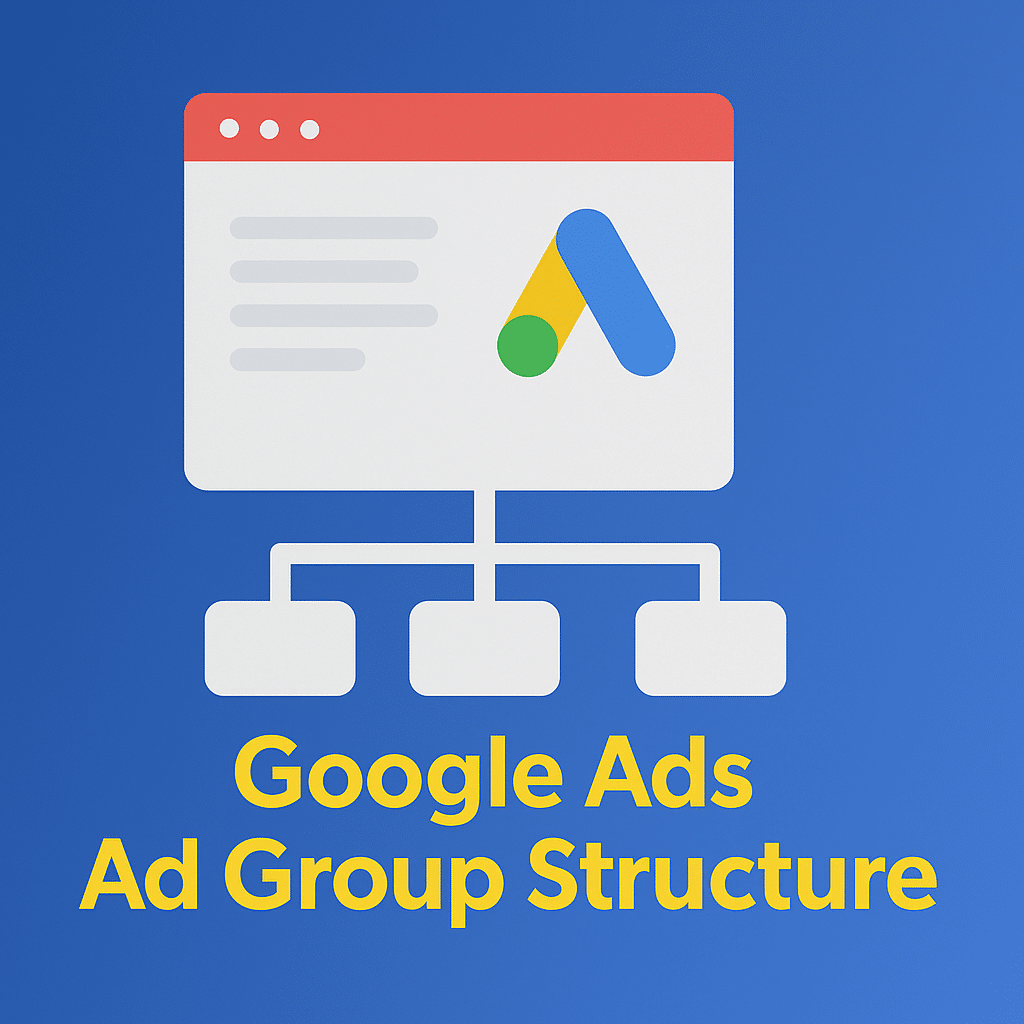
Ad group structure is the quiet force behind consistent Google Ads performance. When your ad groups mirror how people search and how your site is organized, every part of your account benefits: higher relevance, better Quality Scores, faster learning, and simpler optimization. When structure is off, you’ll see wasted spend, thin data, and ads that struggle to match intent.
This guide gives you a battle-tested way to structure ad groups for Search (with notes for Shopping and Performance Max), explains when to split vs. consolidate, and finishes with a ready-to-copy blueprint you can adapt to almost any account.
What an ad group is (and why it matters)
- The role: An ad group sits under a campaign and contains your ads and their targeting (keywords for Search; product groups in Shopping; audience signals/assets in Performance Max).
- The job: Keep closely related queries together so you can write copy that matches user intent and land people on the most relevant page.
- The outcome: Tighter themes = more relevant ads and landing pages = stronger CTR and Quality Score, and more signal density for Smart Bidding.
Modern stance: From SKAGs to single-theme ad groups
- Yesterday: Single-keyword ad groups (SKAGs) used to be popular. With today’s broader matching behavior and close variants, SKAGs often fragment data without improving control.
- Today: Single-theme ad groups (STAGs) win. Group a tight set of related queries that deserve the same landing page and message. Consolidate where data is thin; split only when copy or page must change.
How to structure Search ad groups the right way
- One theme, one landing page
- Each ad group should represent a specific subcategory, intent cluster, or product/service.
- If a subset of queries warrants different messaging or a different page, that’s your signal to split.
- Keep keyword lists lean and tight
- Seed each ad group with a small set of high-intent, closely related keywords.
- Use broad match with Smart Bidding once you have solid conversion tracking and enough volume. If you’re early-stage or budget-limited, start with phrase/exact to control costs and add broad when stable.
- 2–3 RSAs per ad group, with distinct angles
- Run two to three Responsive Search Ads that test clearly different propositions (e.g., price-led, benefit-led, proof-led).
- Include your core theme keyword naturally in multiple headlines; pin only when necessary for compliance or clarity.
- Put the right assets at the right level
- Add sitelinks, callouts, and structured snippets at the ad group when they’re specific to that theme (e.g., “Dental Services: Implants, Invisalign, Whitening”).
- Keep generic assets (brand value props, guarantees) at the campaign or account level for reuse.
- Use negatives to protect themes
- Add cross-negatives between sibling ad groups if you see overlap.
- Maintain shared negative lists for brand safety and irrelevant intents (e.g., jobs, DIY, free).
Practical guardrails (use as starting points, not rules)
- 3–10 ad groups per campaign is manageable for most teams and budgets.
- 10–20 themed keywords per ad group (fewer if you’re mainly using broad).
- 2–3 RSAs per ad group, rotating and refining headlines/descriptions over time.
- If an ad group gets very low impressions for several weeks, consolidate or broaden until you hit learning thresholds.
When to split vs. consolidate
Split into a new ad group when:
- You need a different landing page (e.g., “Deep Cleaning” vs. “Weekly Cleaning”).
- Messaging must materially change (e.g., “Enterprise pricing” vs. “Starter plan”).
- You need unique negatives or highly specific assets.
Consolidate when:
You’ve got near-duplicate ad groups chasing the same intent.
Volume is too low to learn effectively.
Search terms overlap heavily across siblings.
Example of Google Ads Ad Group Structure
| Ad Group | Keywords | Ads | Assets | Negatives | |
|---|---|---|---|---|---|
| Ad Group 1: Brand | Brand and product variants | Social proof, awards, brand differentiators | Sitelinks to Pricing, Templates, Reviews | Competitor names (if required) | |
| Ad Group 2: Core Non-Brand – “Project Management Software” | “Project management software,” “project planning tool,” “task management software” | “Project management software,” “project planning tool,” “task management software” | Benefits (visibility, collaboration), key features, free trial CTA | Templates sitelink, integrations, security callouts | N/A |
| Ad Group 3: Use Case – “Agile/Scrum” | “Scrum project management,” “agile planning tool” | “Scrum project management,” “agile planning tool” | Agile-specific benefits, sprint planning, burndown charts | Agile templates, Jira integration, onboarding | N/A |
| Ad Group 4: Competitors (optional; comply with policies) | Competitor + “alternative,” “vs” | Competitor + “alternative,” “vs” | Comparison angle, migration support | Case studies, side-by-side feature list | N/A |
| Ad Group 5: Industry Variant – “Construction Project Management” | “Construction project management software,” “contractor project tool” | “Construction project management software,” “contractor project tool” | Industry pain points (field updates, Gantt, offline) | Industry case studies, implementation support | N/A |
Notes:
- If Agile/Scrum volumes are small, merge into Core Non‑Brand and use ad customizers or RSA variations to speak to Agile users.
- A single landing page per ad group keeps Quality Score high; use dynamic elements on the page to personalize by query where possible.
Optimization checklist
- Search term hygiene: Weekly for the first 4–6 weeks; bi-weekly after. Add negatives, harvest winners, and watch for theme bleed.
- RSA maintenance: Keep 2–3 live RSAs per ad group; rotate in fresh headlines monthly; avoid over-pinning.
- Asset coverage: Ensure each ad group has theme-specific sitelinks/snippets where useful.
- Landing page alignment: Make sure ad promises are visible above the fold and mirrored in H1/subhead; improve speed and clarity before raising bids.
- Structure review: If spend is thin across many ad groups, consolidate. If CTR is low due to generic copy, split themes to sharpen messaging.
Common pitfalls
- Hyper-fragmentation: Too many ad groups with too little data slows Smart Bidding and makes it hard to diagnose issues.
- One ad per ad group: Kills testing and machine-led optimization.
- Muddled themes: Mixing different intents or audiences in one ad group forces generic ads and lowers Quality Score.
- Campaign-level fixes for ad-group problems: If the message/LP needs to change, split ad groups; don’t create a new campaign just to force copy changes.
Conclusion
A well-structured Google Ads account is key to driving relevant traffic and improving your campaign performance. By organizing your ad groups around tightly related themes, targeting specific keywords, and ensuring alignment between ads, landing pages, and assets, you can boost your Quality Score, increase your CTR, and ultimately lower your cost per acquisition (CPA). Remember, the right structure leads to better optimization, smoother learning phases, and more effective Smart Bidding.
For small businesses, maintaining a clear structure while avoiding fragmentation and optimizing your landing pages are essential steps toward achieving sustainable growth. If you need help setting up or scaling your Google Ads campaigns, First Page Digital offers professional google ads services tailored to meet your goals. Learn more about how we can help you optimize your Google Ads for maximum impact.